SQL (Structured Query Language) is a standard programming language used to store, retrieve, manage, and manipulate data in relational databases. It is widely used in database management systems (DBMS) like MySQL, PostgreSQL, SQL Server, and Oracle.
* Declarative Language – You specify what you want, not how to do it.
* Relational Database Management – Works with structured data stored in tables.
* Data Manipulation & Querying – Retrieve and modify data efficiently.
* Scalability & Security – Supports large datasets and access control.
SQL commands are categorized into five main types :
| Category | Description | Examples |
|---|---|---|
| DDL (Data Definition Language) | Defines the structure of databases and tables | CREATE, ALTER, DROP, TRUNCATE |
| DML (Data Manipulation Language) | Manages and manipulates data | SELECT, INSERT, UPDATE, DELETE |
| DQL (Data Query Language) | Queries data from the database | SELECT |
| DCL (Data Control Language) | Controls access to the database | GRANT, REVOKE |
| TCL (Transaction Control Language) | Manages database transactions | COMMIT, ROLLBACK, SAVEPOINT |
-- Create a table
CREATE TABLE employees (
    id INT PRIMARY KEY,
    name VARCHAR(50),
    department VARCHAR(50),
    salary DECIMAL(10,2)
);

-- Insert data into the table
INSERT INTO employees (id, name, department, salary)
VALUES (1, 'Alice', 'HR', 55000.00);

-- Retrieve data
SELECT * FROM employees;

-- Update a record
UPDATE employees SET salary = 60000 WHERE id = 1;

-- Delete a record
DELETE FROM employees WHERE id = 1;
* Universal Standard – Used in almost all database systems
* Powerful & Flexible – Handles large datasets efficiently
* Easy to Learn – Simple syntax for querying and managing data
* Supports ACID Properties – Ensures Atomicity, Consistency, Isolation, Durability in transactions.
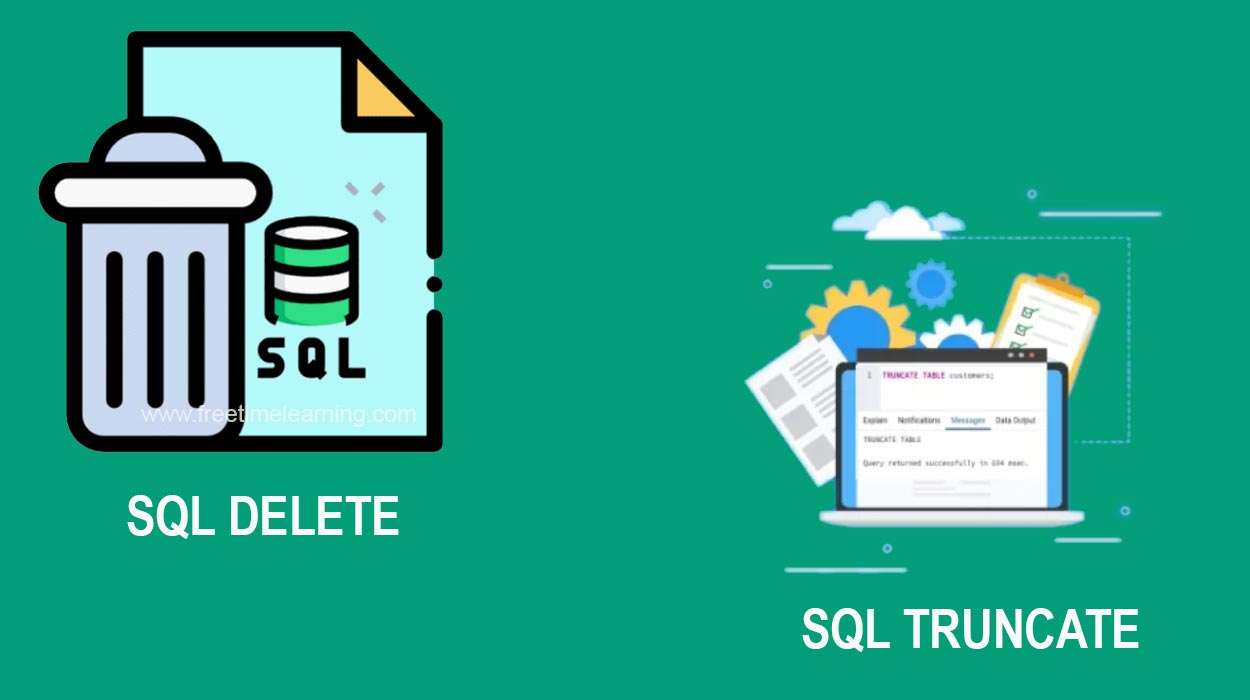
The DELETE command in SQL is used to remove specific records (rows) from a table based on a given condition. It allows selective deletion using the WHERE clause.
DELETE FROM table_name WHERE condition;* table_name – The name of the table from which you want to delete records.
* condition – Specifies which rows should be deleted.
If you omit the WHERE clause, all rows in the table will be deleted!
DELETE FROM employees WHERE id = 3;?Deletes the row where id = 3 from the employees table.
DELETE FROM employees WHERE department = 'Sales';?Deletes all employees in the Sales department.
DELETE FROM employees;?DELETE FROM employees;Removes all records from the employees table without deleting the table structure.
| Feature | Description |
|---|---|
| Selective Deletion | Deletes specific rows using the WHERE clause |
| Fully Logged | Each row deletion is logged (can impact performance) |
| Can Be Rolled Back | Supports transactions (COMMIT, ROLLBACK) |
| Triggers Fire | If triggers are defined, they will execute |
| Does Not Reset Identity | If the table has an AUTO_INCREMENT column, the numbering is not reset |
The TRUNCATE command in SQL is used to remove all records from a table efficiently. Unlike DELETE, it does not delete rows one by one but instead deallocates the entire table’s data pages, making it much faster.
TRUNCATE TABLE table_name;?table_name – The name of the table from which all rows will be removed.
TRUNCATE TABLE employees;This removes all records from the employees table but keeps the table structure intact.
| Feature | DELETE | TRUNCATE |
|---|---|---|
| Operation Type | DML (Data Manipulation Language) | DDL (Data Definition Language) |
| Removes Rows? | Deletes selected rows based on a condition (WHERE clause is supported) | Removes all rows from the table (No WHERE clause support) |
| Logging | Fully logged (each deleted row is logged) | Minimal logging (faster execution) |
| Performance | Slower, as each row is deleted individually | Faster, as it deallocates entire table pages |
| Can be Rolled Back? | Yes, if
Note : This article is only for students, for the purpose of enhancing their knowledge. This article is collected from several websites, the copyrights of this article also belong to those websites like : Newscientist, Techgig, simplilearn, scitechdaily, TechCrunch, TheVerge etc,.
|