
What is AWS DevOps and Tools Required to Develop a Web App

Last Updated : 04/21/2025 22:27:21

AWS DevOps is the integration of Amazon Web Services (AWS) with DevOps practices, combining cultural philosophies, processes, and tools to enhance collaboration between development and operations teams.

What is AWS DevOps and Tools Required to Develop a Web App
AWS DevOps is the integration of Amazon Web Services (AWS) with DevOps practices, combining cultural philosophies, processes, and tools to enhance collaboration between development and operations teams. It enables faster, more reliable delivery of applications and services through automation, continuous integration/continuous delivery (CI/CD), and infrastructure as code (IaC). AWS provides a suite of services to streamline provisioning, managing infrastructure, deploying code, and monitoring performance, making it ideal for building and scaling web applications efficiently.


What Is DevOps?


DevOps
is a combination of "Development" and "Operations"—a set of practices, tools, and a cultural mindset that aims to shorten the software development lifecycle and deliver high-quality software continuously.

It focuses on collaboration between software developers (Dev) and IT operations teams (Ops) to automate and integrate the processes of software development, testing, deployment, and monitoring.


DevOps Lifecycle:

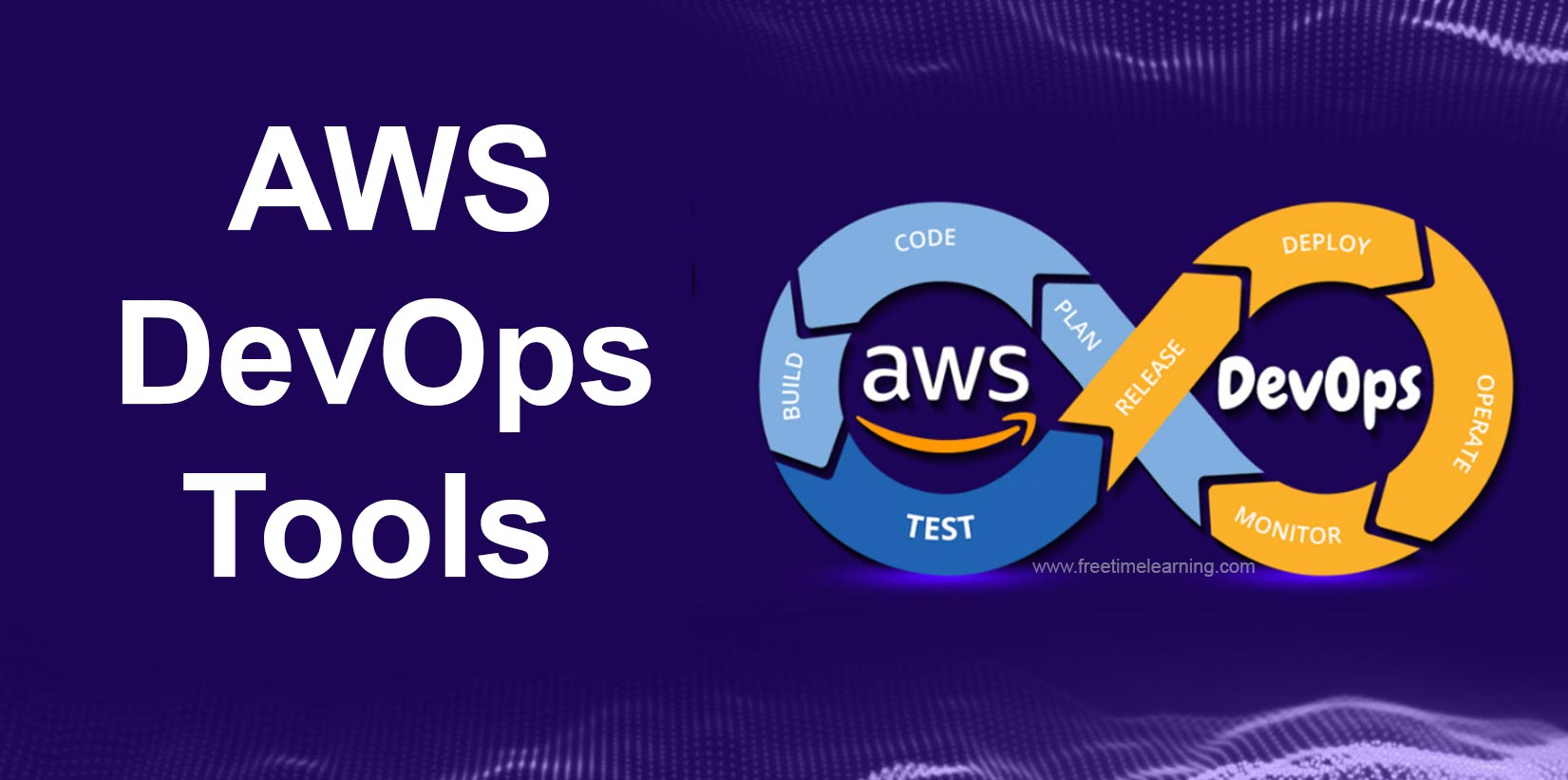
The DevOps lifecycle is often represented as an infinity loop, showing how each phase is connected:

  1. Plan – Define features and requirements.

  2. Develop – Write and review code.

  3. Build – Compile the code and create builds.

  4. Test – Automatically test for bugs and issues.

  5. Release – Prepare the software for deployment.

  6. Deploy – Launch the application to production.

  7. Operate – Keep the app running and available.

  8. Monitor – Track performance and gather feedback.


DevOps Tools (Examples)

Stage Tools Used
Plan Jira, Trello
Develop Git, GitHub, GitLab
Build Jenkins, Maven, Gradle
Test Selenium, JUnit, TestNG
Release Jenkins, GitLab CI/CD
Deploy Docker, Kubernetes, Ansible
Operate Kubernetes, Terraform
Monitor Prometheus, Grafana, Datadog


Key Principles of DevOps

  • Automation – From testing to deployment, automate as much as possible.

  • Continuous Integration (CI) – Automatically test and integrate code changes.

  • Continuous Delivery/Deployment (CD) – Frequently release updates to users.

  • Collaboration – Break down silos between teams.

  • Monitoring & Feedback – Constantly analyze performance to improve.


Benefits of DevOps

  • Faster software releases.

  • More stable operating environments.

  • Better product quality.

  • Faster recovery from failures.

  • Increased team collaboration and efficiency.


Think of DevOps as the bridge between rapid development and reliable IT operations—a mindset shift, not just a set of tools.


What Is AWS?


AWS (Amazon Web Services)
is a cloud computing platform provided by Amazon that offers on-demand IT services over the internet—like servers, storage, databases, networking, software, and more.

Instead of owning physical data centers or servers, companies can rent computing power and services from AWS and scale as needed. It’s widely used by startups, enterprises, and even governments.


What Does AWS Offer?

Here’s a quick look at some core categories of AWS services:

Category Example Services Purpose
Compute EC2, Lambda, Elastic Beanstalk Run applications and workloads
Storage S3, EBS, Glacier Store files, backups, and data
Database RDS, DynamoDB, Aurora Manage relational or NoSQL databases
Networking VPC, Route 53, CloudFront Control traffic, routing, content delivery
Security IAM, KMS, Shield Manage access, encryption, and protection
Machine Learning SageMaker, Rekognition Build and deploy ML models
DevOps & Tools CodeDeploy, CloudWatch, CloudFormation Automate deployments and monitoring


Types of AWS Services (3 Main Categories)

  1. IaaS (Infrastructure as a Service)
    – Rent virtual servers, storage, and networking (e.g., EC2).

  2. PaaS (Platform as a Service)
    – Use a managed platform to build and deploy apps (e.g., Elastic Beanstalk).

  3. SaaS (Software as a Service)
    – Use ready-made software via the cloud (e.g., AWS WorkMail).


Why Use AWS?

  • Scalable – Easily go from one user to millions.

  • Cost-Efficient – Pay only for what you use.

  • Reliable – Highly available and secure.

  • Global Reach – Data centers all over the world.

  • Flexible – Supports almost every platform and tech stack.


Common Use Cases

  • Hosting websites and apps

  • Running big data analytics

  • Machine learning and AI

  • Game development

  • Internet of Things (IoT)

  • Backup and disaster recovery

Whether you're a solo developer or a massive enterprise, AWS makes it easier to build and scale digital products.



AWS DevOps Tools for Web App Development


Below is a curated list of essential AWS tools for developing, deploying, and managing a web application, tailored to your interest in practical, tech-related workflows (e.g., full-stack development, UI/UX, and AI tools). These tools cover the entire software development lifecycle, from coding to deployment and monitoring.


1. Core Development and Source Control


* AWS CodeCommit: A fully managed source control service for hosting secure, scalable private Git repositories. It stores and versions your application’s source code, integrating seamlessly with other AWS tools. Use it to collaborate on code for your web app’s frontend (e.g., React) and backend.

* AWS Cloud9: A cloud-based integrated development environment (IDE) for writing, running, and debugging code via a browser. It sup


5. Storage and Content Delivery


* Amazon S3 (Simple Storage Service): Object storage for hosting static assets (e.g., HTML, CSS, images) for your web app. It’s highly durable and integrates with CloudFront for global delivery.

* Amazon CloudFront: A content delivery network (CDN) that caches your web app’s content globally, reducing latency for users. Pair it with S3 for fast static asset delivery.


6. Database and Data Management


* Amazon DynamoDB: A NoSQL database for storing dynamic data (e.g., user profiles, session data) with low latency and scalability. It integrates with AWS Amplify for real-time APIs.

* Amazon RDS (Relational Database Service): Manages relational databases like MySQL, PostgreSQL, or Aurora, suitable for st

Why AWS DevOps for Web Apps?


* Scalability: Services like EC2, Lambda, and DynamoDB scale automatically to handle traffic spikes.

* Automation: CI/CD tools (CodePipeline, CodeBuild) reduce manual tasks, speeding up releases.

* Cost-Effectiveness: Pay-as-you-go pricing and the AWS Free Tier make it accessible for startups and learners.

* Integration: Native AWS tools work seamlessly together, reducing setup complexity.

* Relevance to Your Interests: AWS Amplify and Cloud9 align with your full-stack and React.js interests, while tools like CodeGuru and Device Farm complement your curiosity about AI-driven development and UI/UX testing.


Getting Started:


* AWS Acc

Note : This article is only for students, for the purpose of enhancing their knowledge. This article is collected from several websites, the copyrights of this article also belong to those websites like : Newscientist, Techgig, simplilearn, scitechdaily, TechCrunch, TheVerge etc,.